


Schedule Reader
Software to View Primavera P6 XER Schedules
Open and view XER and XML project schedules with Schedule Reader, the leading XER file viewer!
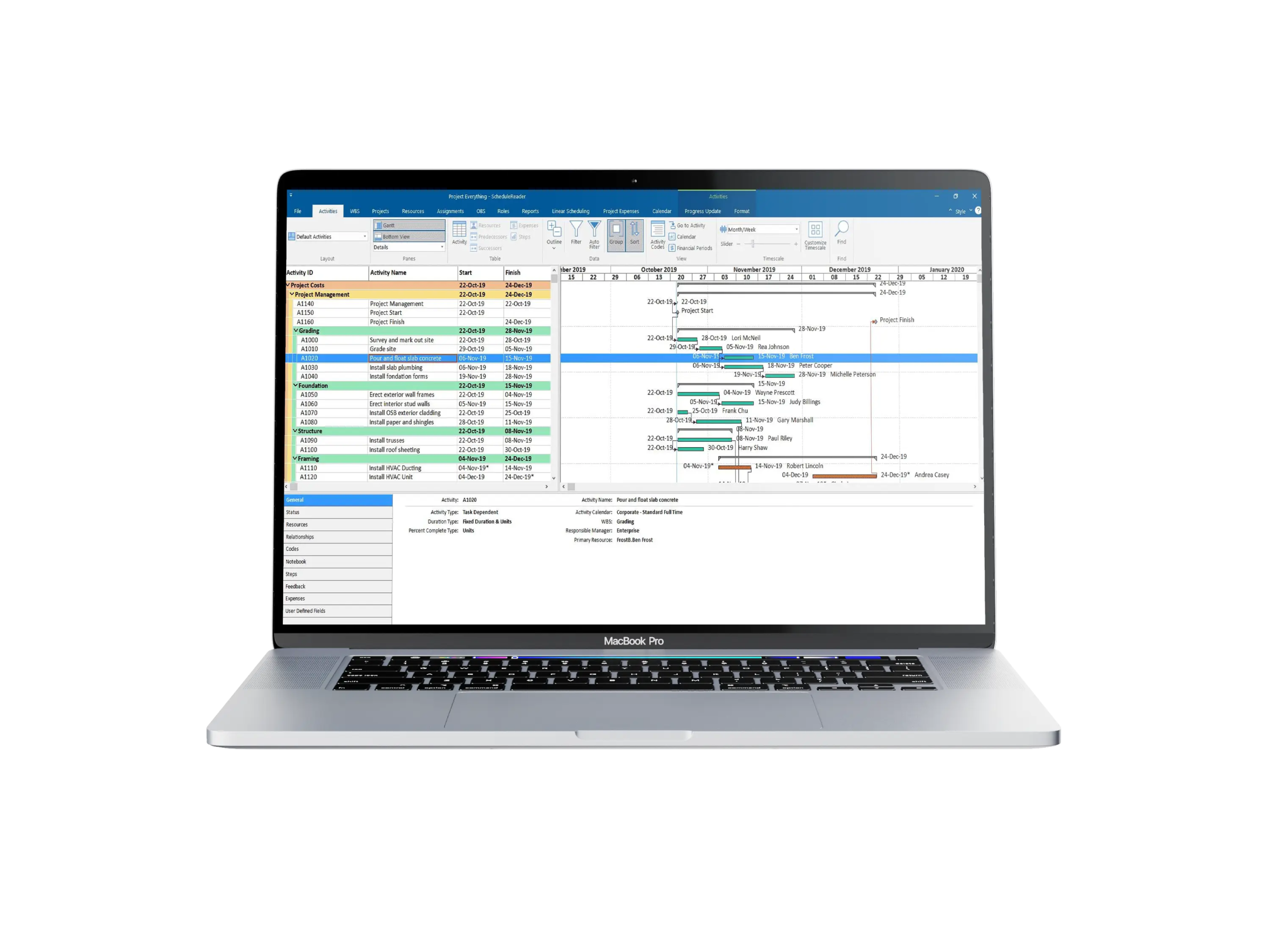
Access, analyze, and share Primavera schedules with complete clarity
Schedule Reader enables project teams, stakeholders, and subcontractors to view, analyze, and report Primavera P6 and Microsoft Project schedules without requiring full scheduling software. With powerful filtering, layout control, and reporting tools, organisations improve schedule transparency, collaboration, and decision-making across projects.
View and analyze Primavera schedules with full control
Schedule Reader provides a powerful environment to open and analyze Primavera P6 schedules in XER, XML, and other common formats. Users can filter activities, review critical paths, inspect relationships, and analyze progress without modifying the original schedule. This enables planners, project managers, and stakeholders to review schedules quickly and confidently.
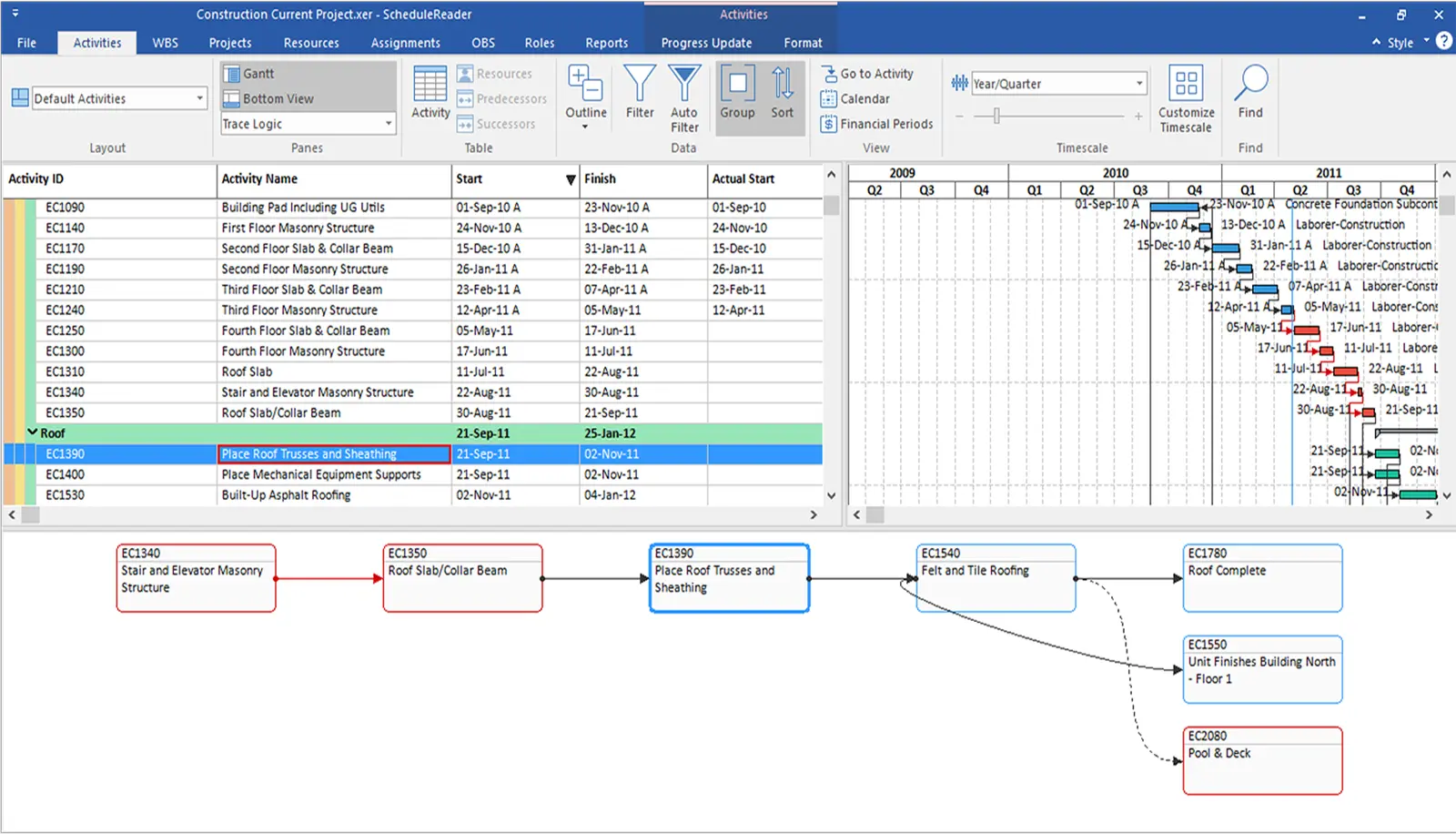
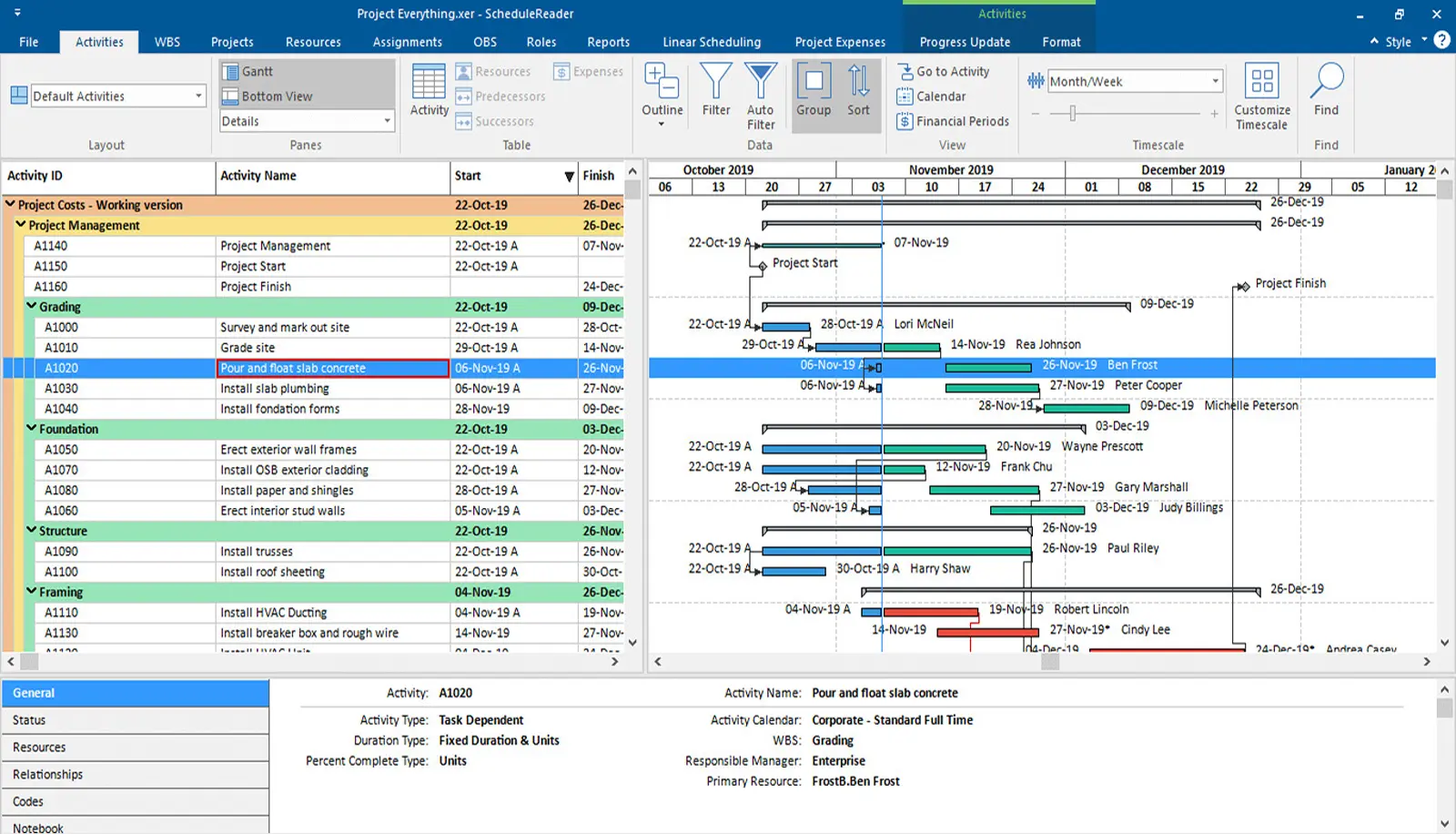
Improve communication and reporting across project teams
Schedule Reader simplifies communication of schedule information to clients, engineers, and site teams. With customizable layouts, activity grouping, and easy-to-export reports, teams can present schedule data in a clear and understandable format—reducing misunderstandings and improving coordination across projects.
Why teams choose Schedule Reader
Schedule Reader is widely used by contractors, consultants, and owners who need visibility into project schedules without the complexity or cost of full scheduling software.
View Primavera Schedules Without P6
Open XER and XML files and review schedules without requiring Primavera licenses or specialist training.
Powerful Filtering and Layout Tools
Filter activities, group by WBS, or display only critical tasks to focus on what matters most.
Critical Path and Relationship Analysis
Understand logic, dependencies, and float to quickly identify risks and delays.
Professional Reporting and Printing
Export Gantt charts, tables, and schedule views for meetings, progress reviews, and client presentations.
Secure Read-Only Access
Review schedules without the risk of accidental changes to the original project plan.
Ideal for Stakeholders and Site Teams
Provide planners, engineers, and subcontractors with schedule visibility without needing full scheduling software.
Key capabilities of Schedule Reader
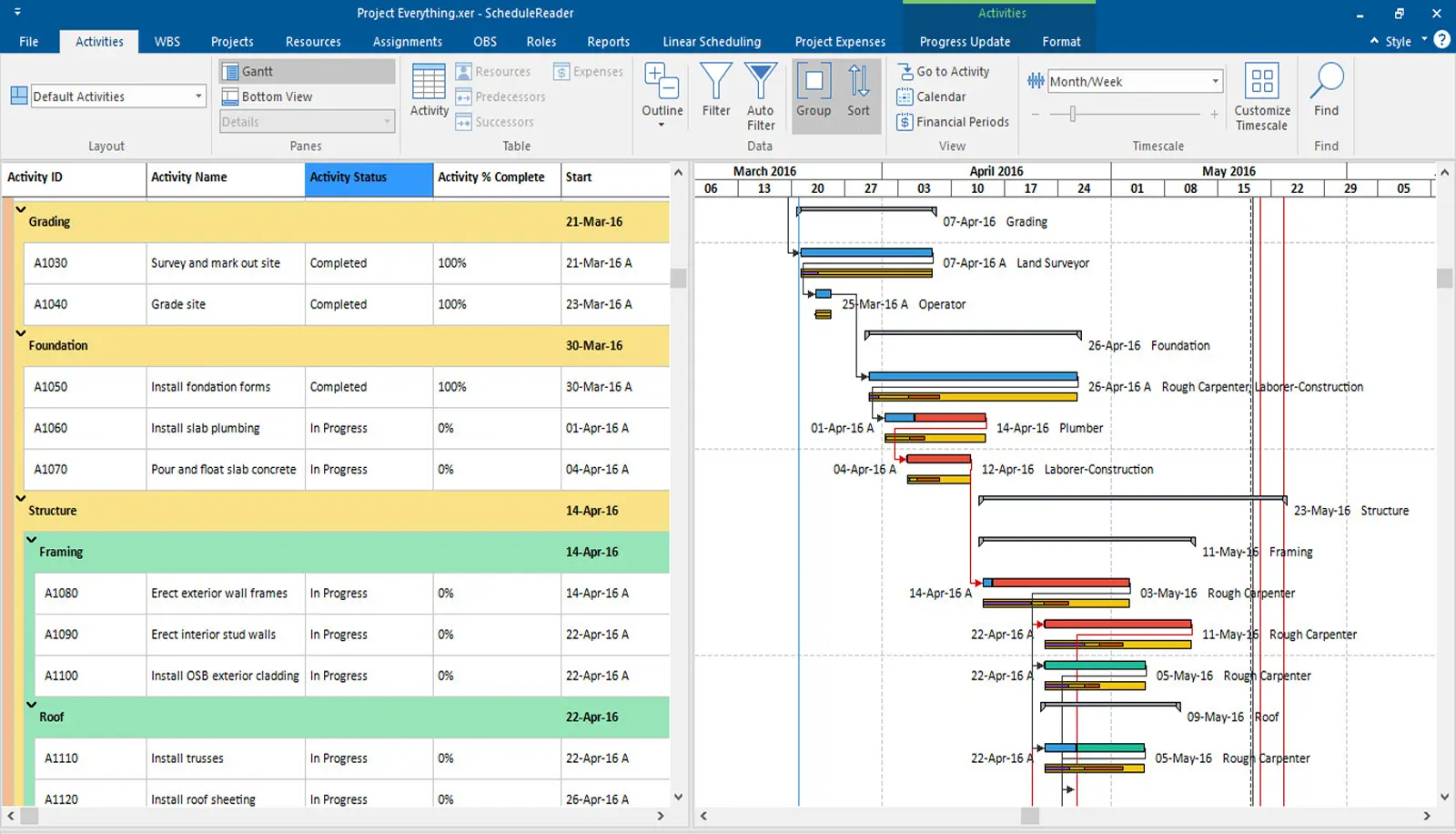
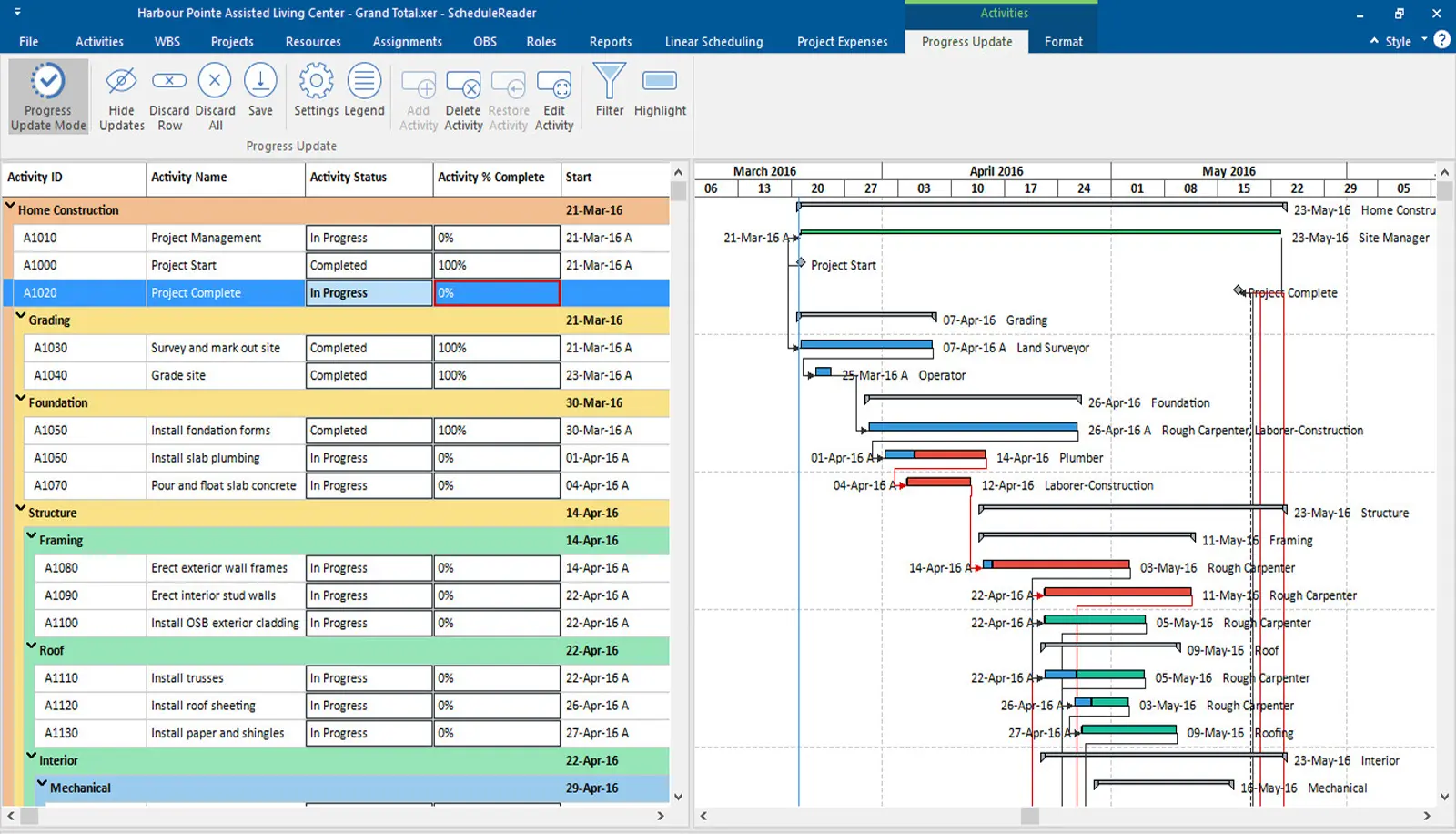
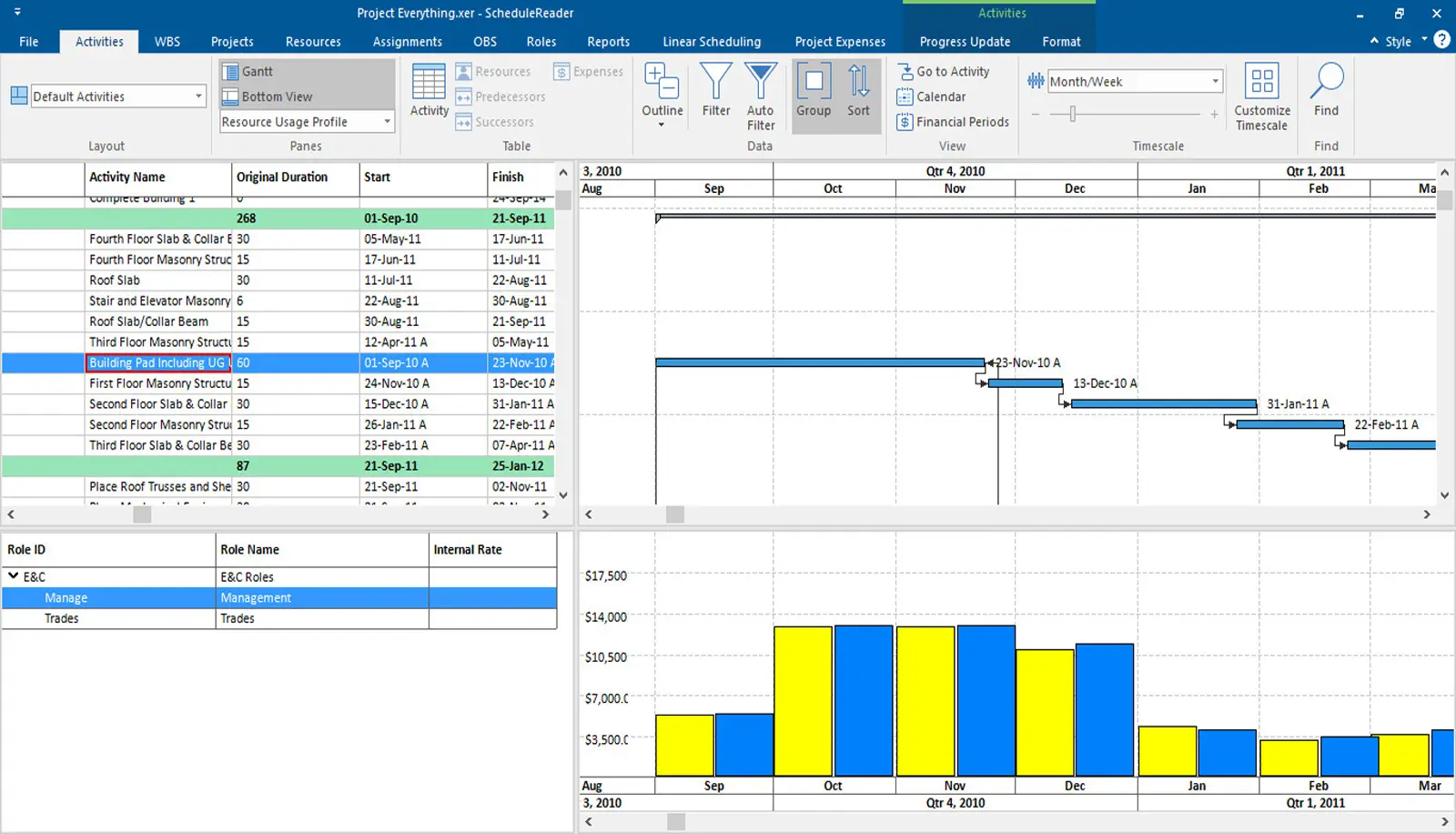
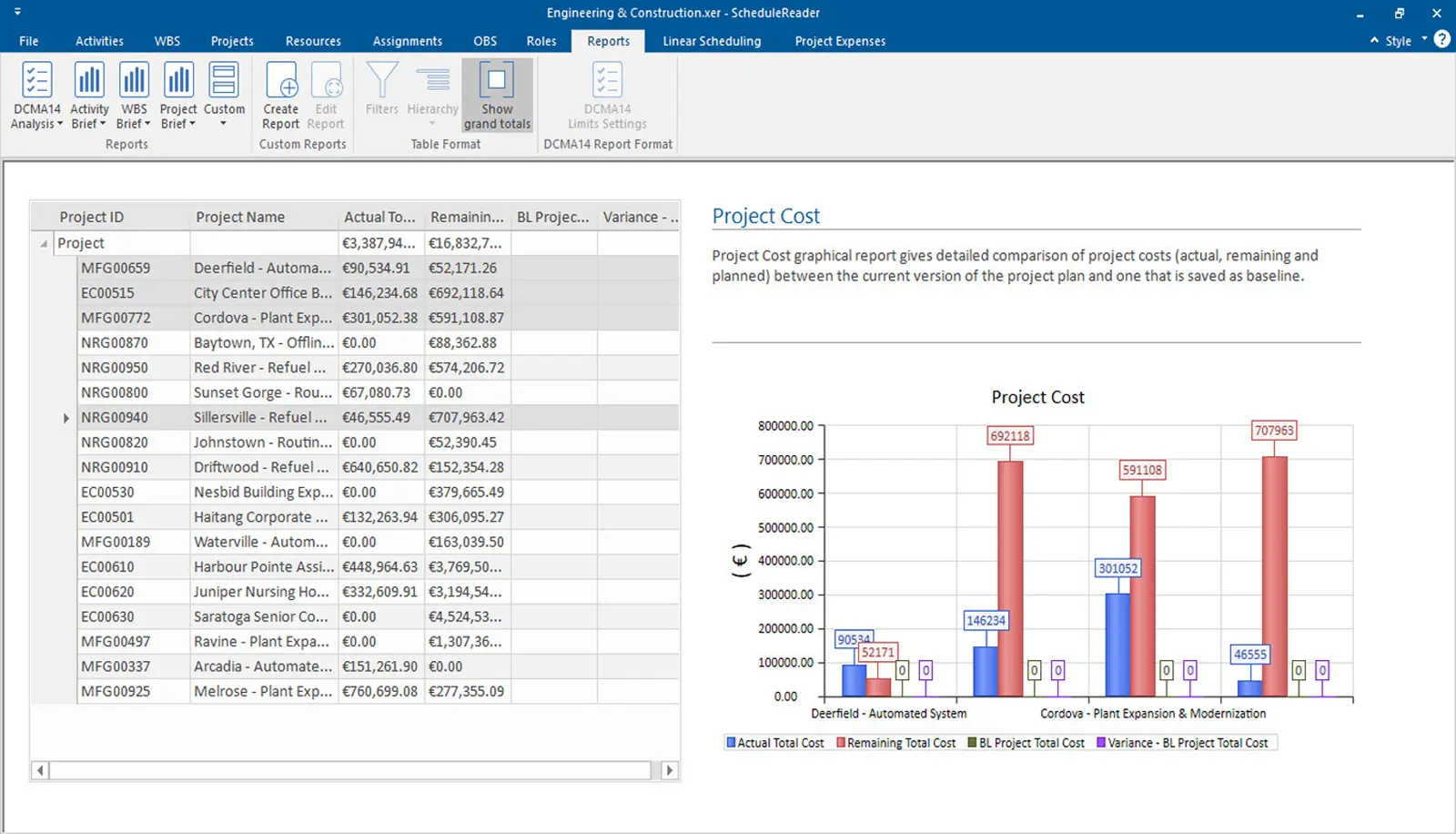
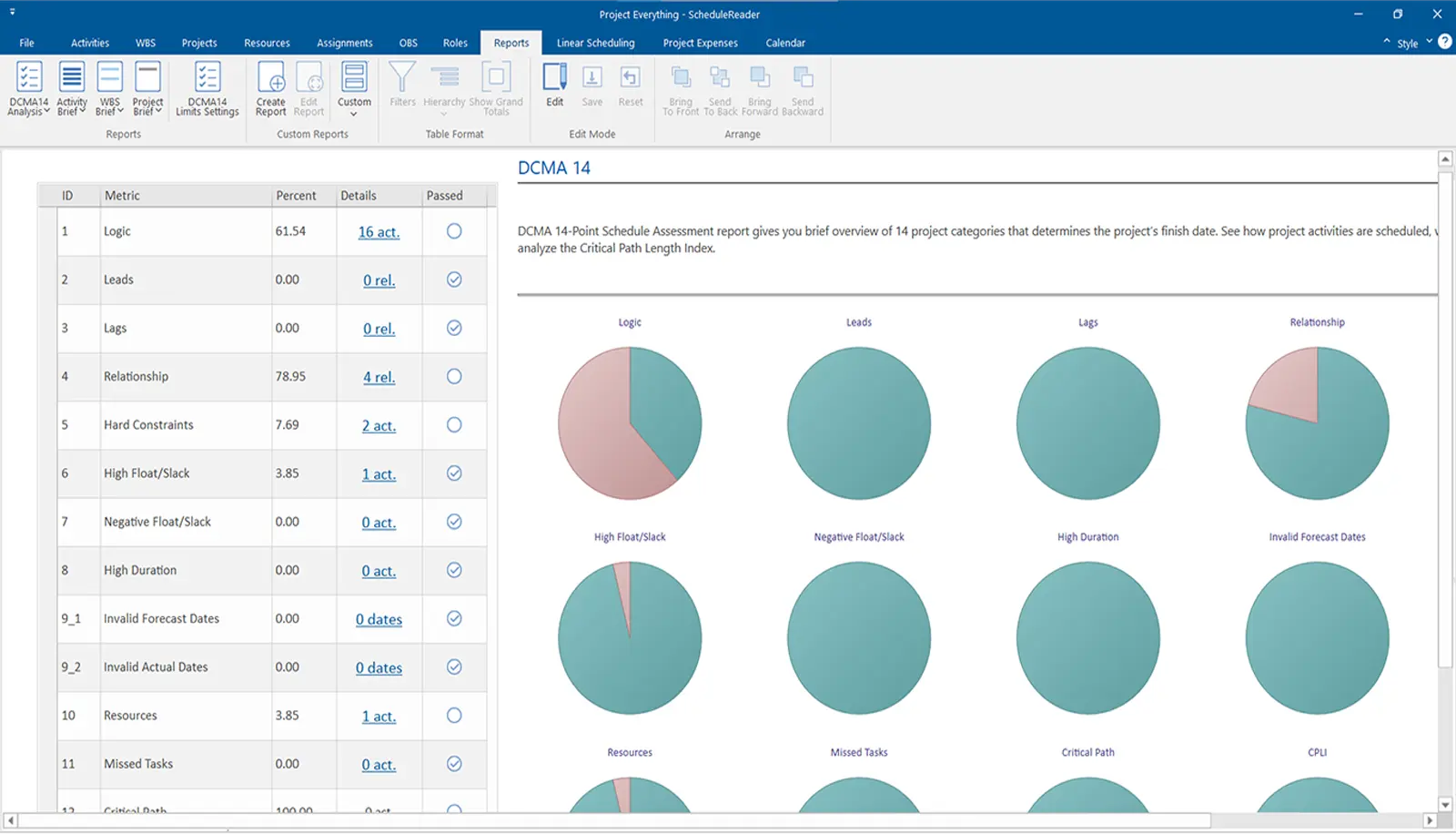
- Open XER and XML schedule files
- View WBS, activities, and relationships
- Review calendars, constraints, and logic
- Inspect critical path and float values
- Filter by WBS, activity codes, or date ranges
- Identify critical and near-critical activities
- Analyse progress and delays
- Focus on specific contractors or work areas
- Customize columns and activity layouts
- Save and reuse layouts
- Create stakeholder-specific views
- Improve schedule readability
- Export Gantt charts and activity tables
- Prepare reports for meetings and reviews
- Share schedule snapshots easily
- Support PDF and printable formats
- Provide read-only access to schedules
- Avoid accidental schedule modifications
- Share files securely with teams
- Improve schedule governance
Available in Different Versions
Schedule Reader is available in different versions to suit your specific needs.
ScheduleReader
Dynamically view Primavera P6 and Microsoft Project schedules, organise and filter project data, track progress, and collaborate effectively through schedule updates and clear reporting views.
ScheduleReader Pro
Analyse project KPIs, track schedule performance using rich visual dashboards, and generate custom or predefined reports to support project reviews, progress meetings, and management reporting.